When a returning vehicle needs the same services as a previous visit, you can copy a previous order instead of building a new one from scratch.
There are two ways to do this:
Before you start: To copy orders using old pricing, enable Allow Copy Order with Old Pricing in Operation Settings > Servicing. If this setting is off, only the new pricing option is available.
Old pricing uses the prices from the original order. New pricing uses your shop's current pricing.

Option A: Copy from Vehicle History
- On the Servicing tab, select Vehicle History.
- Select Droptop Orders to see the vehicle's past orders.
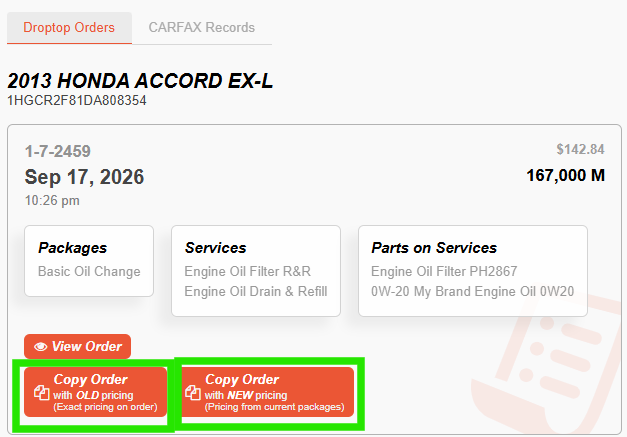
- On the order you want to copy, select Copy Order with Old Pricing or Copy Order with New Pricing.

Option B: Copy from Package Selection
- On the Servicing tab, search for the package by name, or scroll through the packages list.
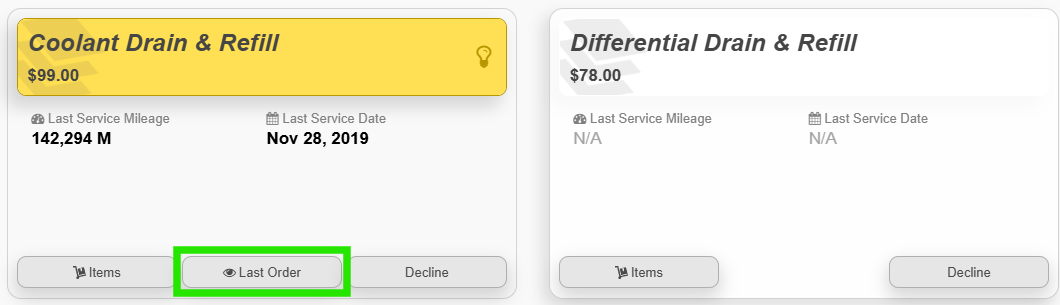
- If the package was used on a previous order, select Last Order.
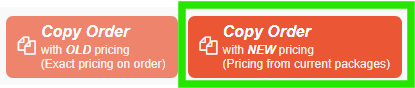
- A pop-up opens with a preview of the last order's invoice. At the top of the pop-up, select Copy Order with OLD or NEW pricing.
Note: Copying the last order brings over everything on that order, not just the package you selected. See How Order Details Are Copied below.
How Order Details Are Copied
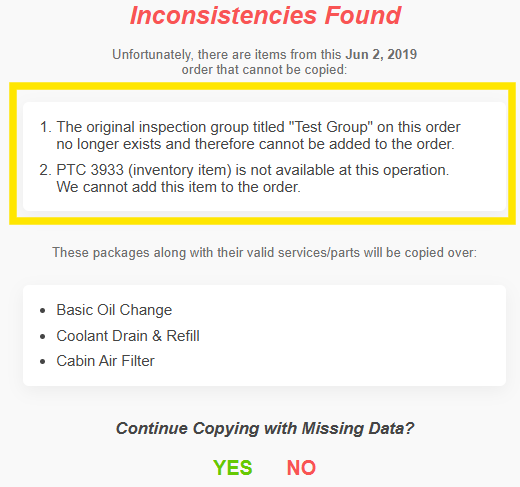
When you copy a previous order, everything on it carries over, including packages, parts, inspections, and inspection groups. If the package you selected was on an order with other items, those items are copied too.
You can remove anything you don't need from the selection, or from the order after you save and continue.
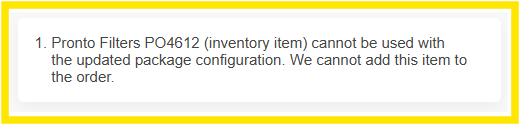
Examples
Was this article helpful?
That’s Great!
Thank you for your feedback
Sorry! We couldn't be helpful
Thank you for your feedback
Feedback sent
We appreciate your effort and will try to fix the article